
1. Click the 9 dots in the upper-left corner.
2. Set the cursor in the search field and type “Price Book,” then choose the “Price Book” item in the results.
3. The additional tab “Price Book” will appear in the menu tabs.
4. Click on the “New” button in the Price Book list page, which is located in the top right corner.
5. Fill in the fields with data and select the “Active” box.
6. Click on “Save”
7. Select a new Price Book from the list and open the “Related” tab on the left.
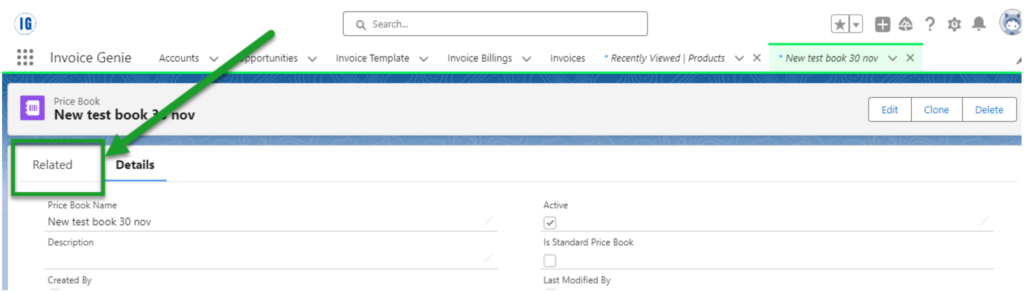
8. Click the “Add Products” button on the right to add the product to the Price Book if necessary.