
Invoicing requires an opportunity with a product, an invoice template, an account and a contact. To generate invoice billings:
- Select Invoice Billings from the top menu.
- Click the “New” button.

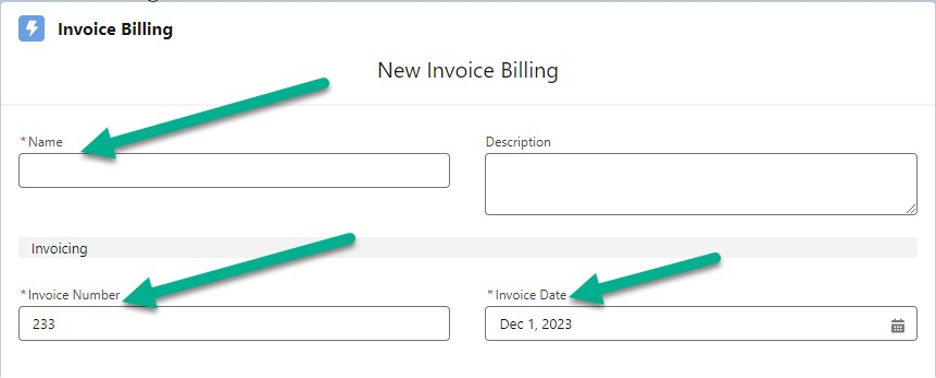
3. Enter the invoice name, invoice number, and date.
4. Check the account checkbox. If you need to add a specific contact, click in the account search field. A list of accounts will appear, from which you can select one.
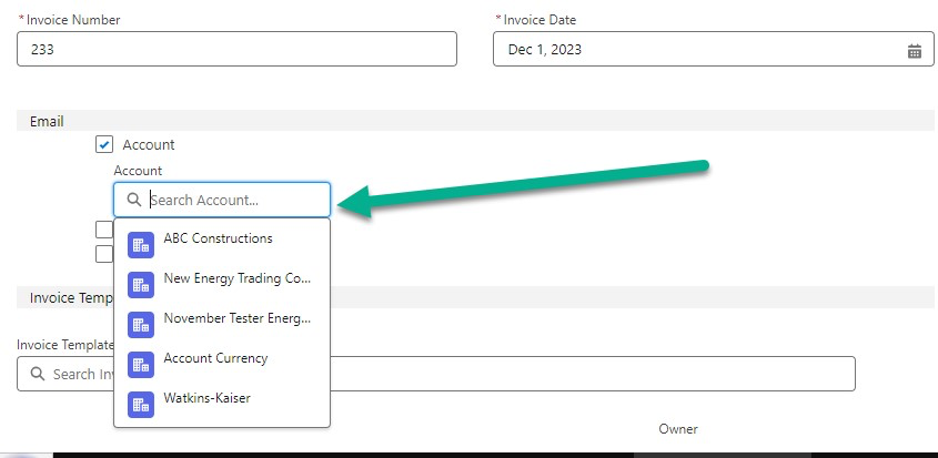
5. Choose the account that you require.
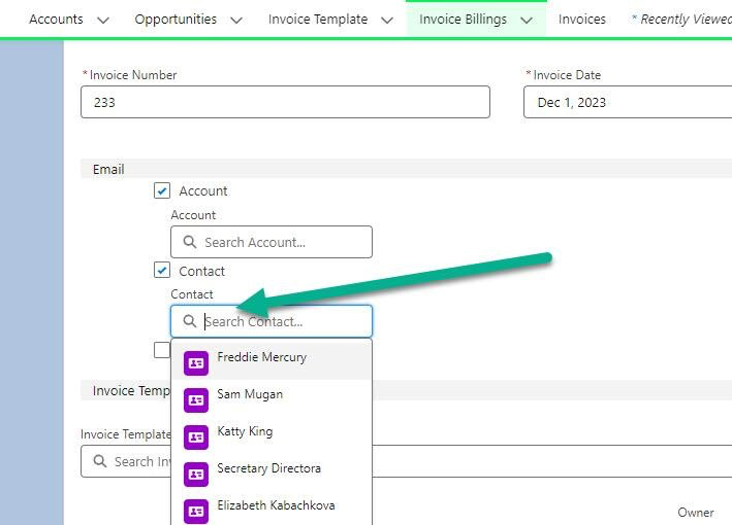
6. Check the contact checkbox. If you need to add a specific contact, click in the contact search field. A list of contacts will appear, from which you can select one.
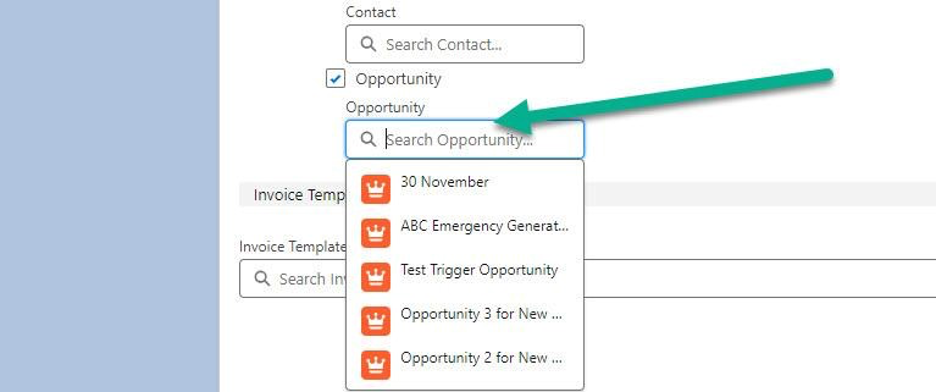
7. Check the Opportunity checkbox. If you need to add a specific Opportunity, click in the Opportunity search field. A list of opportunities will appear, from which you can select one.
8. Click on the “Invoice Template” search box and choose the ideal template.
9. Click the “Save” button.